
Import climate data
CAPS imports climate data from the Open Climate Service. CHAP uses that data when it models. Import a dataset here once. A prediction pipeline can then keep it current with an Open Climate Service Sync step.
Before you start
Section titled “Before you start”The climate service URL is reachable from the CAPS workers. That URL is set at install, on CHAP, climate, and DHIS2.
- Click Climate Data in the left navigation.
- Click + New Dataset.
- Open the dataset template list and select the template you need. For example, Precipitation rate (CHIRPS3, monthly) (Monthly).
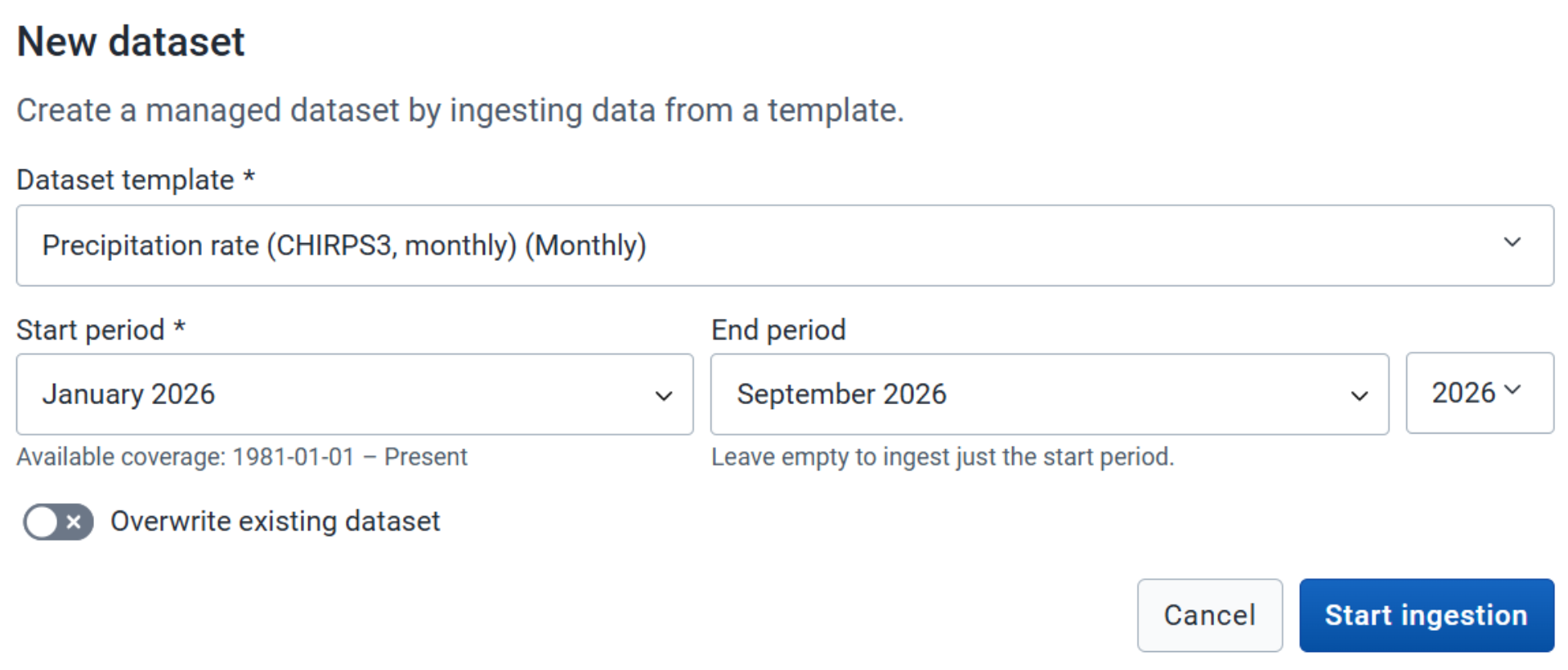
- Select the period to import. For example, January 2026 to September 2026. If this dataset already exists in CAPS, turn on Overwrite Existing Dataset to replace it.
- Click Start Ingestion.

When it finishes, a success message appears and the dataset is in the list.

The dataset you selected is listed under Climate Data, for the period you chose.
If case data lives on another DHIS2 instance, connect that instance. Otherwise create a pipeline.